
Your bulletin on the lobby TV
TV Mode turns the bulletin you already publish into a full-screen slideshow for lobby screens, café displays and pre-service countdowns. No second program to learn, no slides to rebuild every week.
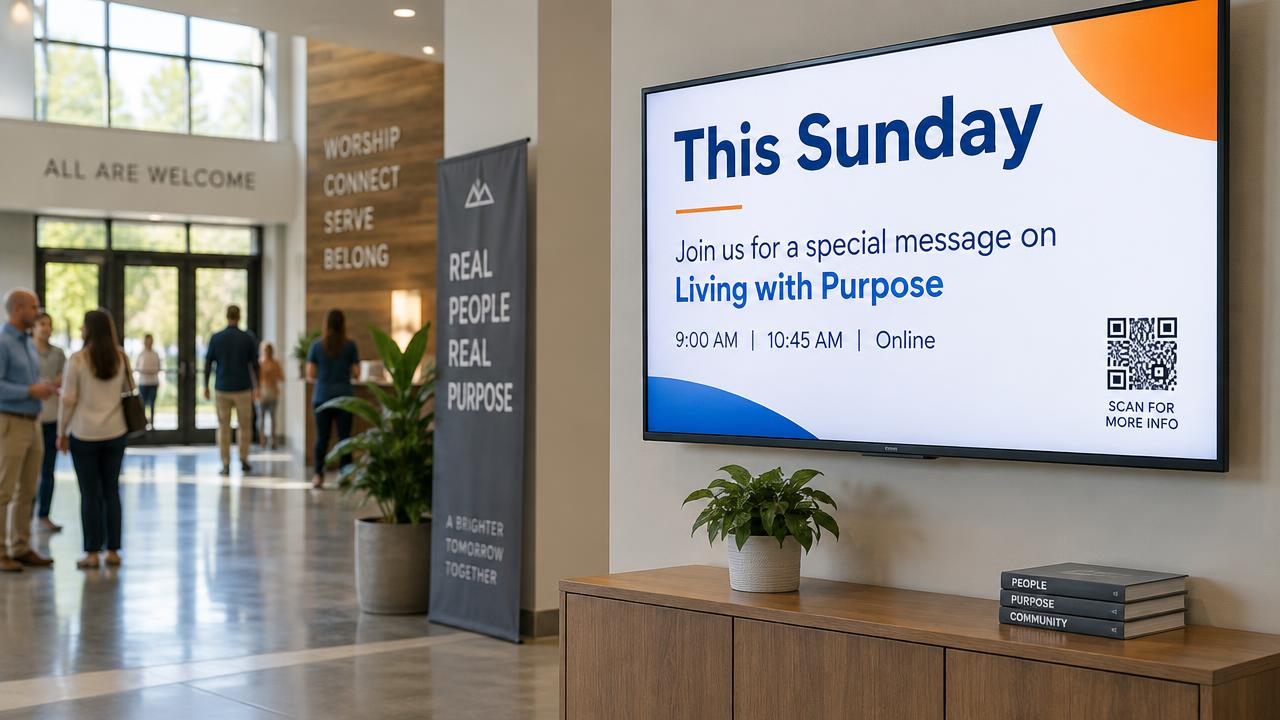
One bulletin, two places it shows up
Everything on screen comes from your live bulletin, so the phone in someone's hand and the TV on the wall always say the same thing.
Full-screen slideshow
Every card in your published bulletin becomes a full-screen slide that rotates automatically — no slide design required.
Choose what shows
Pick exactly which cards belong on screen. Announcements and events are great on a TV; private forms can stay off it.
Set your own timing
Set how long slides stay up, and give an important slide extra time. The loop runs continuously all morning.
Matches your theme
Your logo, colors, fonts and banner image carry straight over from your bulletin theme, so the screen looks like you.
Scan to take action
A QR code can stay on screen so people can pull the full bulletin up on their phone, give, or fill out a form.
Always current
Update your bulletin and the screen picks up the change on its own. One place to edit, everywhere it shows.
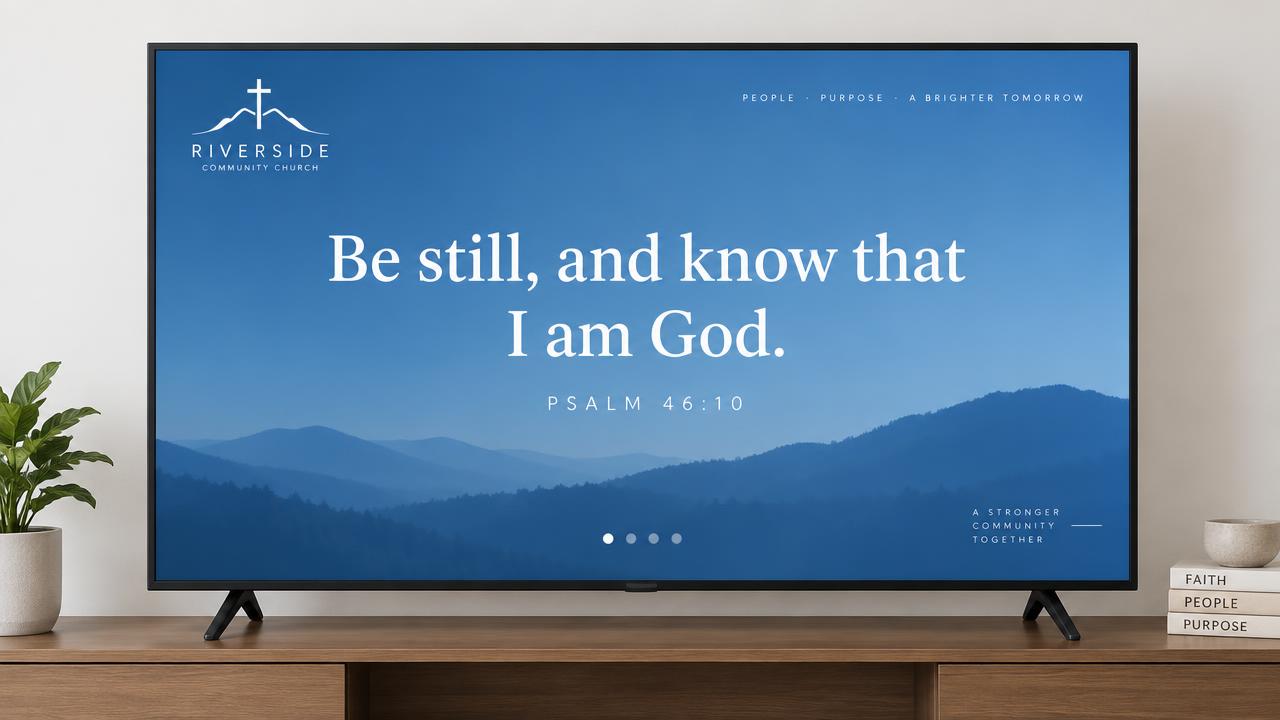
Slides that look designed
Each card gets a layout built for a big screen — large readable type, your church's colors and fonts, your logo in the corner, and progress dots so people know how long the loop is.
- Announcements, events, order of service, verse of the day, giving, links and worship sets all get their own screen layout.
- Cards people need to fill out — forms, check-in, sermon notes — show a scannable prompt instead.
- Designed for 16:9 screens, and it works on any TV, streaming stick or computer with a web browser.
Where churches use it
Lobby & café screens
Welcome people with this week’s announcements, events and giving info while they grab coffee before service.
Pre-service countdown screens
Loop the order of service, a verse of the day and upcoming events on the sanctuary screens before worship begins.
Kids check-in & hallways
Put volunteer needs, check-in instructions and ministry sign-ups on hallway screens where families walk by.
Up and running in minutes
Publish your bulletin
Build your bulletin the way you always do. TV Mode uses the same published bulletin — nothing to duplicate.
Open the TV tab
In your dashboard, go to Bulletins and open the TV Mode tab to choose cards, timing and QR options.
Put it on the screen
Open the TV link in a browser on your TV, streaming stick or lobby computer and go full screen. It loops on its own.
Put this Sunday on every screen
TV Mode is included with In The Bulletin — one plan, every feature, $20/month.